
¿Qué es Khoj?
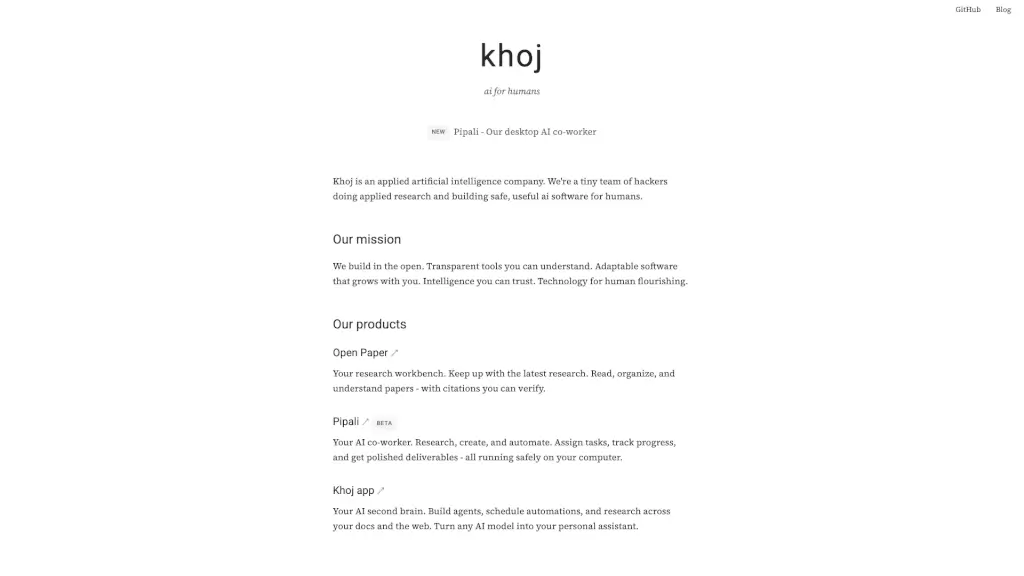
Khoj es una empresa de inteligencia artificial aplicada que crea software seguro, útil y centrado en las personas. Su misión es construir herramientas transparentes, adaptables y confiables que ayuden a los humanos a aprender, crear y automatizar tareas del día a día. Todo lo que hacen se desarrolla de forma abierta, con código accesible y respeto total por la privacidad.
Con productos como Pipali, tu compañero de escritorio de IA, y Open Paper, tu banco de trabajo para investigar artículos científicos, Khoj pone el poder de la IA directamente en tus manos—sin enviar tus datos a la nube ni depender de grandes corporaciones.
¿Cuáles son las características de Khoj?
- Funciona localmente: Tus datos nunca salen de tu ordenador; todo se ejecuta de forma segura en tu máquina.
- Transparencia total: Código abierto en GitHub para que puedas ver, verificar y confiar en lo que hace la IA.
- Agentes personalizables: Crea asistentes de IA que investiguen, organicen o generen contenido según tus necesidades.
- Integración con documentos personales: Busca y analiza información en tus propios archivos y en la web al mismo tiempo.
- Automatización programable: Programa tareas recurrentes, como resúmenes diarios o seguimiento de proyectos.
- Compatibilidad con múltiples modelos de IA: Usa el modelo que prefieras, ya sea local o en la nube (con control total).
¿Cuáles son los casos de uso de Khoj?
- Investigar y organizar artículos académicos sin perder horas buscando referencias.
- Asignar tareas a tu "colega de IA" para que prepare informes, borradores o presentaciones.
- Automatizar el seguimiento de proyectos personales o profesionales desde tu escritorio.
- Crear un segundo cerebro digital que recuerde todo lo que lees y escribes.
- Resumir correos, documentos o notas largas en segundos, con fuentes verificables.
- Aprender temas nuevos rápidamente gracias a explicaciones claras basadas en tus materiales.
¿Cómo usar Khoj?
- Descarga e instala la aplicación Khoj desde su sitio web o GitHub.
- Conecta tus carpetas de documentos para que la IA pueda acceder a tu información local.
- Elige un modelo de lenguaje (puedes usar uno local como Llama 3 o uno remoto si lo prefieres).
- Crea agentes o usa Pipali para asignar tareas específicas, como "resume este PDF" o "investiga alternativas a X".
- Programa automatizaciones con horarios fijos o activadas por eventos.
- Revisa siempre las fuentes y citas generadas para asegurar precisión y confiabilidad.