
What is Hunter.io?
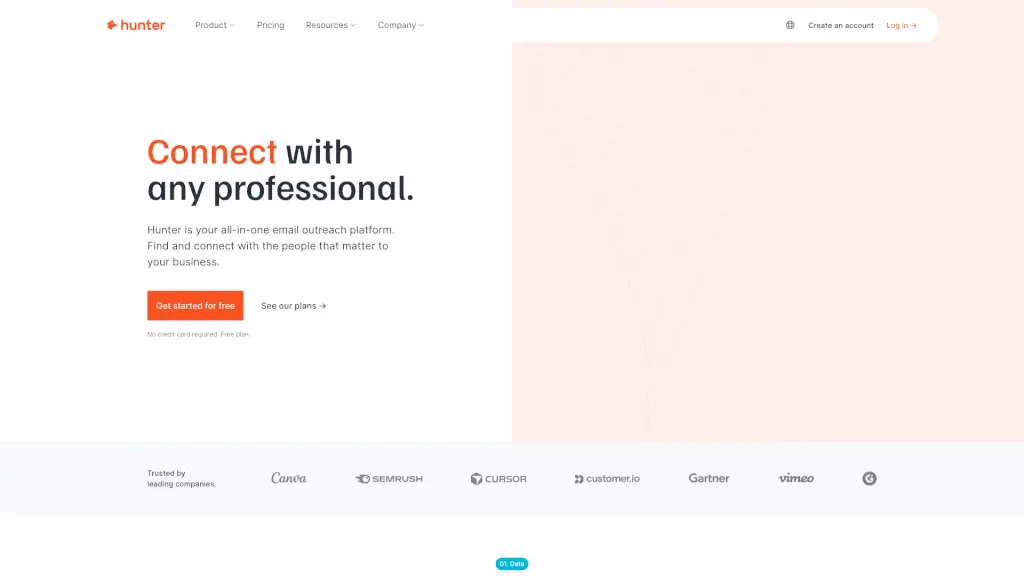
Hunter is a powerful tool designed to help you find and verify professional email addresses, making it easier to connect with the right people for your business. Whether you're looking to reach out to potential clients, partners, or influencers, Hunter streamlines the process of finding contact information and sending cold emails. With its intuitive interface and advanced features, Hunter saves you time and effort, allowing you to focus on building meaningful relationships.
What are the features of Hunter.io?
- Email Finder: Quickly find any professional's email address by entering their name and company domain.
- Domain Search: Discover all the email addresses associated with a specific company or website.
- Email Verifier: Ensure the validity of an email address before sending, reducing bounce rates and protecting your sender reputation.
- Sequences: Create and send personalized cold email campaigns with automated follow-ups and detailed performance reports.
- Integrations: Seamlessly connect Hunter with your favorite tools like Google Sheets, CRMs, and more.
- Browser Extension: Find email addresses directly from the websites you visit with a single click.
What are the use cases of Hunter.io?
- Sales Prospecting: Identify and contact potential leads to grow your customer base.
- Recruitment: Reach out to qualified candidates for job openings.
- Networking: Connect with industry professionals and thought leaders.
- Marketing Campaigns: Send targeted and personalized cold emails to promote your products or services.
- Partnership Building: Find and contact potential partners for collaborations and business opportunities.
How to use Hunter.io?
- Step 1: Sign up for a free account on the Hunter website.
- Step 2: Use the Email Finder to search for individual email addresses by entering the person's name and company domain.
- Step 3: Verify the email addresses using the Email Verifier to ensure they are valid and active.
- Step 4: Create a new sequence in the Sequences feature to set up your cold email campaign.
- Step 5: Personalize your email templates and schedule follow-up emails.
- Step 6: Monitor the performance of your campaigns and make adjustments as needed.