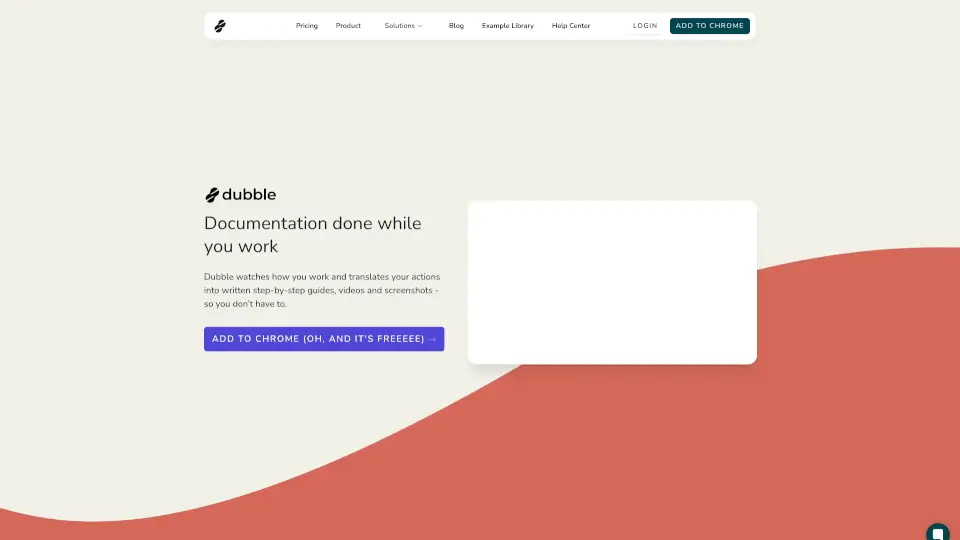
Was ist Dubble?
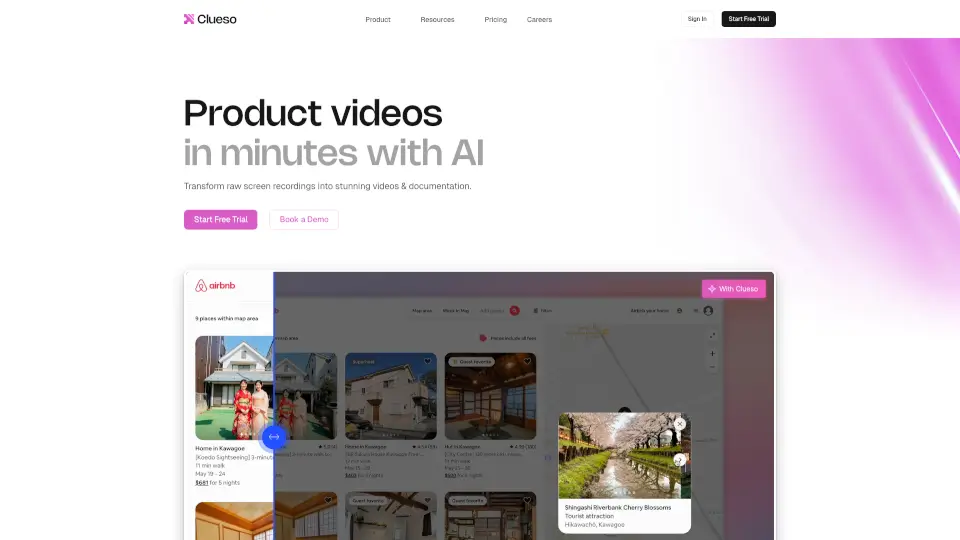
Dubble ist ein kostenloses Dokumentationswerkzeug, das Ihre Arbeitsprozesse beobachtet und diese automatisch in schriftliche Anleitungen, Videos und Screenshots übersetzt. Damit sparen Sie Zeit und Mühe bei der Erstellung und Pflege von Dokumentationen.
Was sind die Merkmale von Dubble?
- Automatische Dokumentation: Dubble zeichnet Ihre Schritte auf und erstellt sofortige Anleitungen, Tutorials und Onboarding-Ressourcen.
- Schnelle Bearbeitung: Innerhalb weniger Sekunden können Sie Beschreibungen, Screenshots und Markups bearbeiten oder neue aus bestehenden Screencasts auswählen.
- Einfaches Teilen: Teilen Sie Ihre Anleitungen mit einem Klick oder laden Sie Ihr Team ein, gemeinsam zu bearbeiten und Anleitungen zu erstellen.
- Aktualisierungsfähig: Ändern sich Prozesse, können Sie neue Schritte aufzeichnen oder Screenshots aus alten Aufnahmen verwenden.
Was sind die Anwendungsfälle von Dubble?
- Onboarding: Erstellen Sie schnelle und klare Anleitungen für neue Mitarbeiter.
- Schulungen: Zeigen Sie Schritt-für-Schritt, wie bestimmte Aufgaben erledigt werden sollen.
- Prozessdokumentation: Halten Sie interne Abläufe und Workflows übersichtlich fest.
Wie benutzt man Dubble?
- Aufzeichnen: Starten Sie die Aufzeichnung und führen Sie Ihre Arbeit durch.
- Bearbeiten: Passen Sie Beschreibungen, Screenshots und Markups an.
- Teilen: Teilen Sie die Anleitung per Link oder kopieren Sie sie in Tools wie Notion, Confluence oder Google Docs.