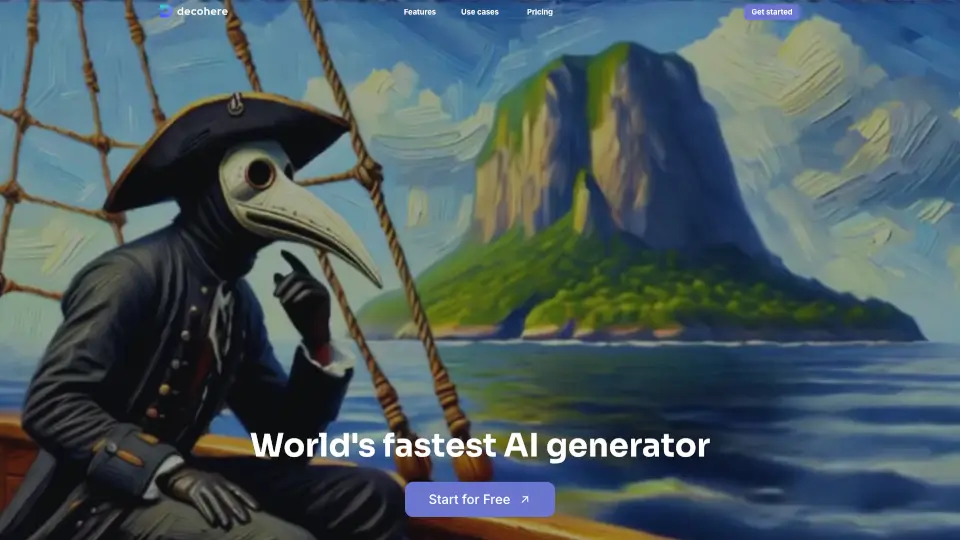
Decoherenceとは何ですか?
Decohereは、画像、動画、アートを高速生成できるAIツールです。特に「世界最速のAIジェネレーター」を謳い、リアルタイムでの画像生成や動画作成に強みを持ちます。キャラクター生成、画像の高解像度化、既存写真を使った一貫性のある人物生成など、クリエイター向けの多彩な機能を提供。待ち時間を減らし、アイデア出しから仕上げまでを一貫して行いたい方に適したオールインワンプラットフォームです。
Decoherenceの特徴は何ですか?
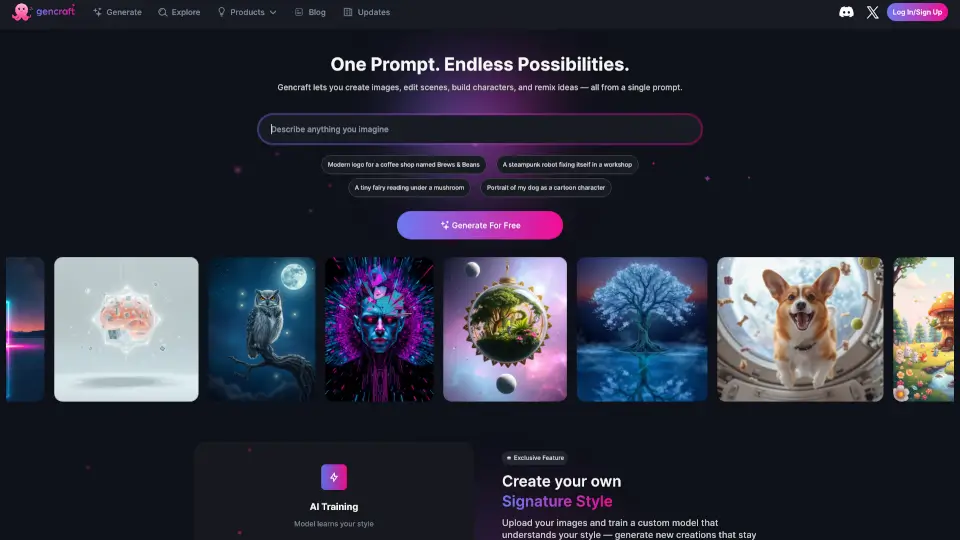
- リアルタイムAI画像生成: プロンプトを入力すると瞬時に画像が生成され、無限のバリエーションをスクロールして最適な一枚を選べます。
- AIキャラクター作成: 人気キャラクターの画像生成や、アバターやインフルエンサーとして使える独自キャラクターをデザインできます。
- AIビデオ生成: 既存の画像やDecohereで生成した画像を元に、動きを制御しながらAI動画に変換できます。
- クリエイティブアップスケーラー: 画像を最大4倍の解像度に拡大し、新しいディテールを追加。創造性を調整して仕上げが可能です。
- リファレンスパーソン: 1枚の写真から特定の人物の一貫性を保った画像を生成。プロンプトで他の要素は自由に制御できます。
- AIステーション: 特定のスタイルの画像を無限に生成できる機能。お気に入りの画像を元にステーションを作成し、スタイルを統一した生成を楽しめます。
Decoherenceの使用例は何ですか?
- キャラクターデザイナー: ゲームやアニメ用のキャラクター案を高速で生成し、ビジュアルの方向性を素早く固める。
- ゲーム開発者: リファレンスパーソン機能を使い、キャラクターの一貫性を保ったまま複数の画像を生成する。
- コンテンツクリエイター: 生成した画像を動画に変換し、SNS投稿用の短い動画素材を作成する。
- グラフィックデザイナー: アップスケーラーで画像を高解像度化し、印刷物やプレゼン資料に使える品質に仕上げる。
- コンセプトアーティスト: AIステーションを使って特定のスタイルのバリエーションを大量に生成し、アイデアの幅を広げる。
Decoherenceの使い方は?
- トップページの「Get started」または「Start for Free」をクリックしてアカウントを作成します。
- 「Realtime AI Image Generator」を選び、プロンプトを入力して画像を生成します。
- 生成された画像を元に、動画化やアップスケールなど、目的に応じた機能を選択します。
- 特定の人物を一貫して生成したい場合は、「Reference Person」機能に写真を1枚アップロードします。
- スタイルを統一したい場合は「AI Stations」で好みの画像を設定し、無限にバリエーションを生成します。