
What is Cleanvoice AI?
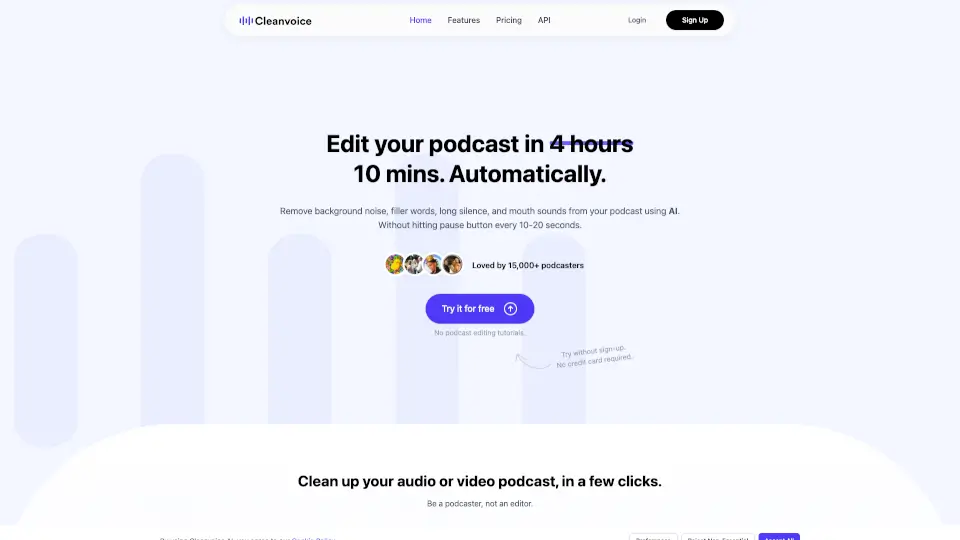
Tired of spending hours editing your podcast just to remove "ums," background noise, or awkward silences? Cleanvoice AI is an intelligent podcast editor that automates the tedious parts of audio and video cleanup—so you can focus on creating great content, not scrubbing waveforms. Whether you record solo or with guests, Cleanvoice uses advanced AI to deliver studio-quality sound in minutes, not hours.
Perfect for busy creators, Cleanvoice works with both audio and video files, supports over 20 languages, and requires zero editing experience. Just drag, drop, and let AI handle the rest—no pausing every 10 seconds to cut out filler words or dog barks.
What are the features of Cleanvoice AI?
- Filler Words Remover: Automatically cuts out "uh," "like," "you know," and other verbal crutches in 20+ languages.
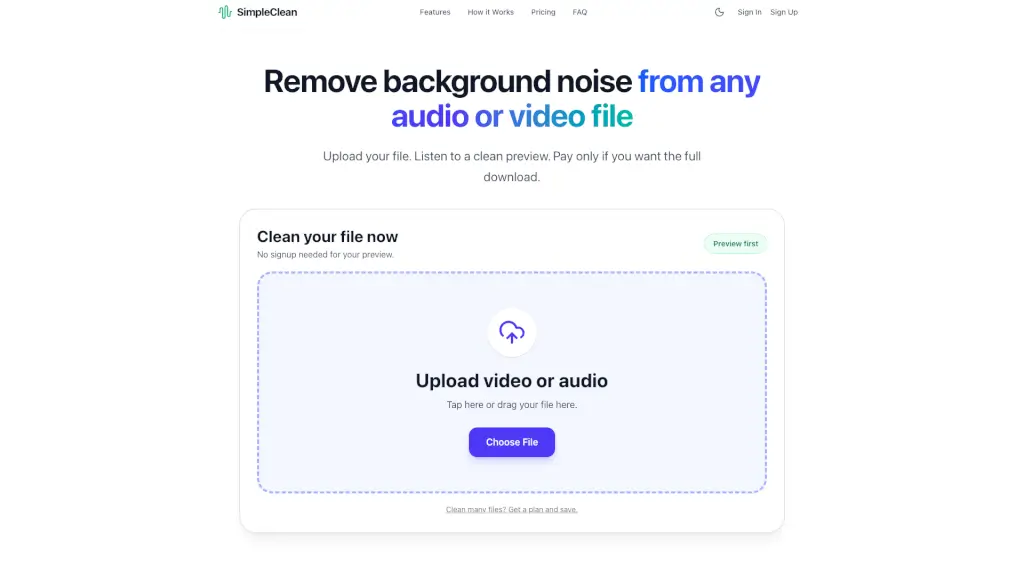
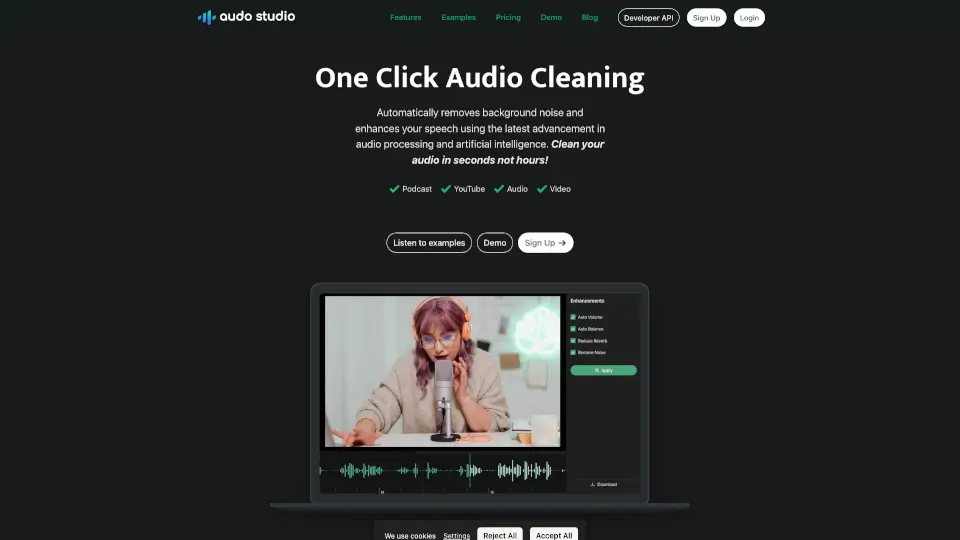
- Background Noise Remover: Eliminates honking cars, crying babies, AC hum, wind, and other distractions—even heavy ambient noise.
- Mouth Sounds & Breath Remover: Gets rid of lip smacks, plosives, heavy breathing, and stutters for cleaner vocal tracks.
- Dead Air Remover: Trims long silences and awkward pauses to keep your pacing tight and engaging.
- Studio Sound Audio Enhancer: Balances volume, reduces echo/reverb, and polishes your voice to sound professionally recorded.
- AI-Powered Transcription & Summary: Generates accurate transcripts and auto-creates show notes, chapter markers, and social snippets.
- Multitrack Editing: Syncs and edits multiple guest tracks simultaneously—ideal for remote interviews.
- Custom Edit Templates: Choose exactly which edits to apply (e.g., remove fillers but keep music) or mute instead of delete.
What are the use cases of Cleanvoice AI?
- A solo podcaster removes filler words and background keyboard clicks from a weekly interview episode in under 10 minutes.
- A media agency batch-processes 20 client podcast episodes weekly using Cleanvoice’s API for consistent, fast editing.
- A YouTuber cleans up a noisy vlog recording with traffic sounds and long pauses before uploading.
- A course creator enhances voiceover quality for instructional videos while removing breath sounds and stutters.
- A journalist transcribes and summarizes a field interview quickly for article research and social promotion.
- A remote team records a panel discussion across time zones and uses multitrack editing to sync and polish the final mix.
How to use Cleanvoice AI?
- Drag and drop your audio or video file (supports MP3, WAV, MP4, M4A, FLAC, and more).
- Select your preferred edits—use a preset template or customize which elements to clean (noise, fillers, silence, etc.).
- Let Cleanvoice’s AI process your file automatically (usually takes just a few minutes).
- Preview the cleaned version side-by-side with the original to hear the difference.
- Download your polished file or export edit timelines to tools like Audacity or Adobe Audition for fine-tuning.
- For teams or developers: integrate the Cleanvoice API in minutes to automate editing at scale.