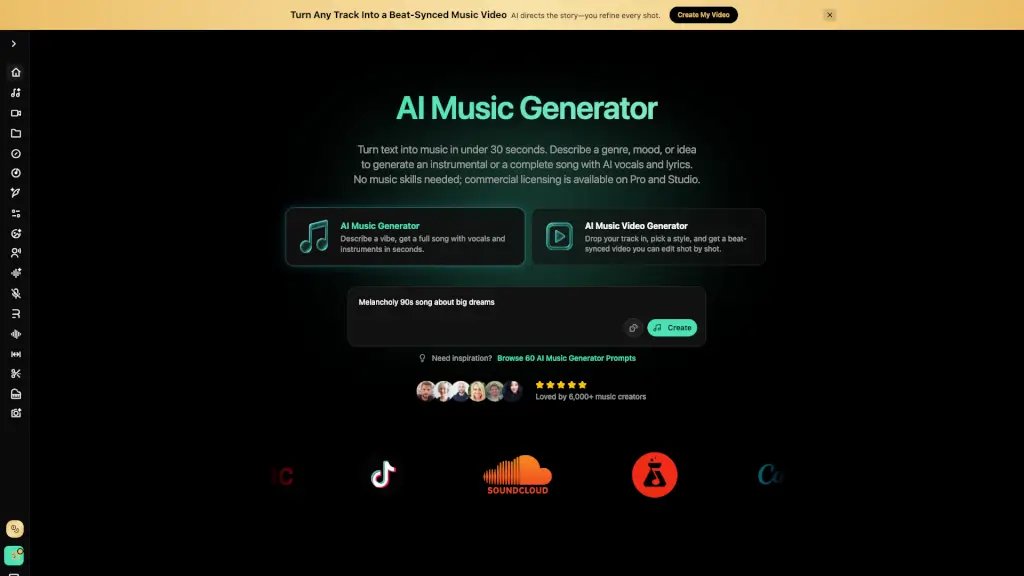
Was ist BeMusic AI?
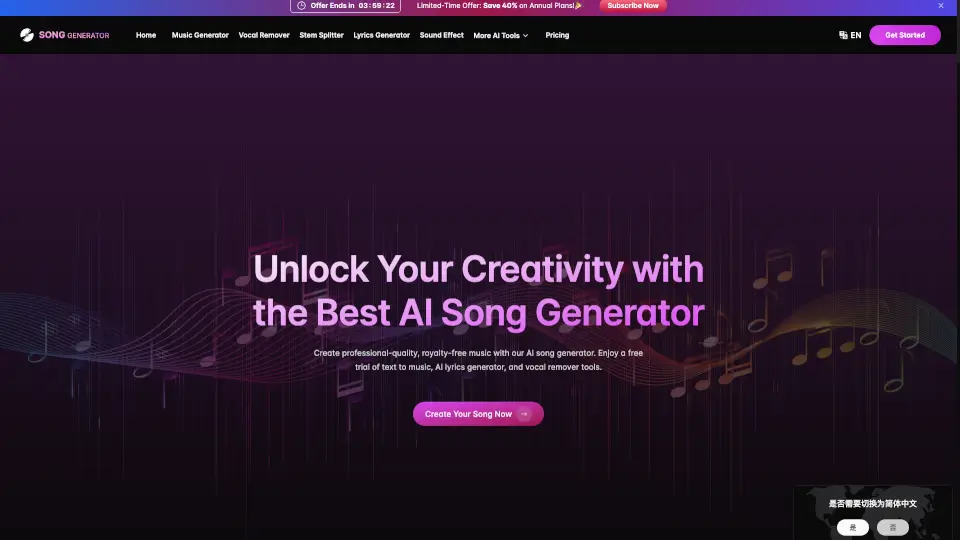
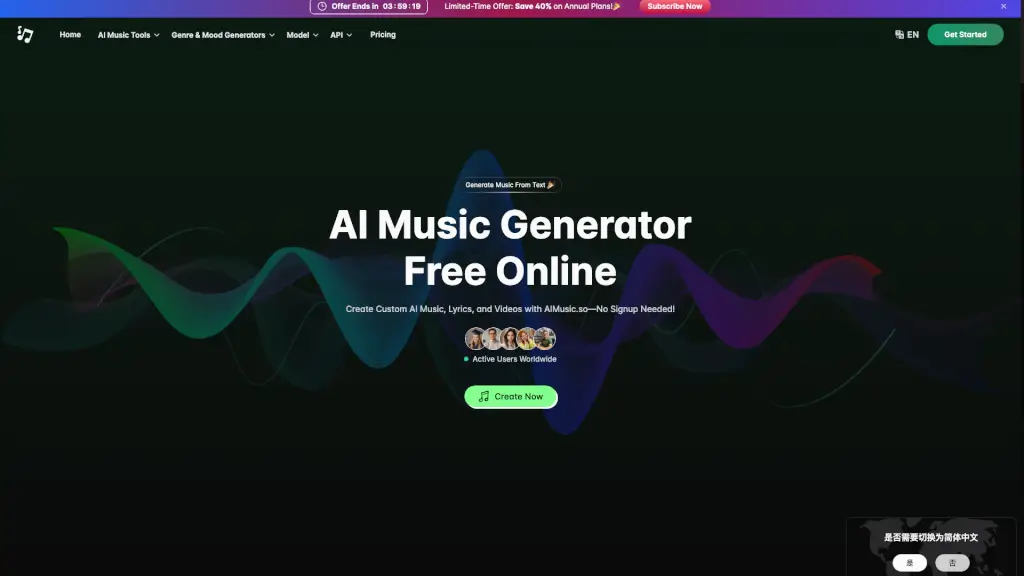
BeMusic AI ist ein KI-Musikgenerator, der aus Textbeschreibungen in unter 30 Sekunden vollständige Songs mit Gesang und Instrumenten erstellt. Das Tool richtet sich an YouTuber, Podcaster, Spieleentwickler und Werbetreibende, die lizenzfreie Musik ohne Vorkenntnisse produzieren möchten. Es unterstützt über 50 Genres, von Pop bis Filmmusik, und bietet kommerzielle Lizenzen auf Pro- und Studio-Plänen.
Was sind die Merkmale von BeMusic AI?
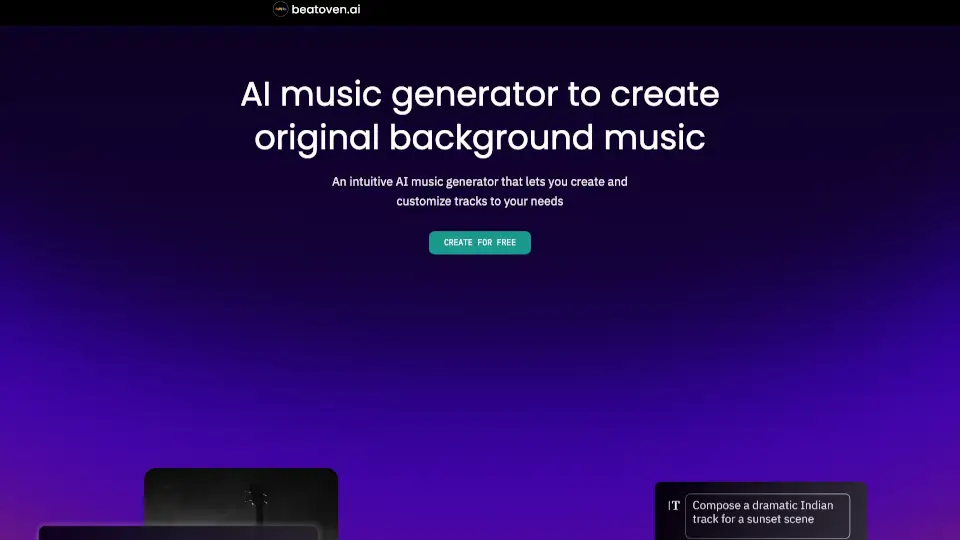
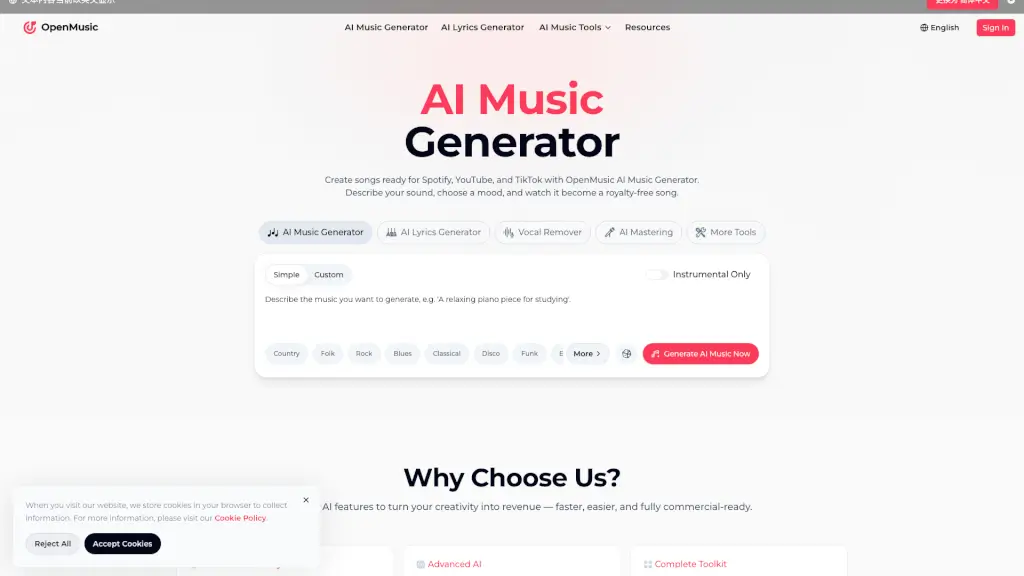
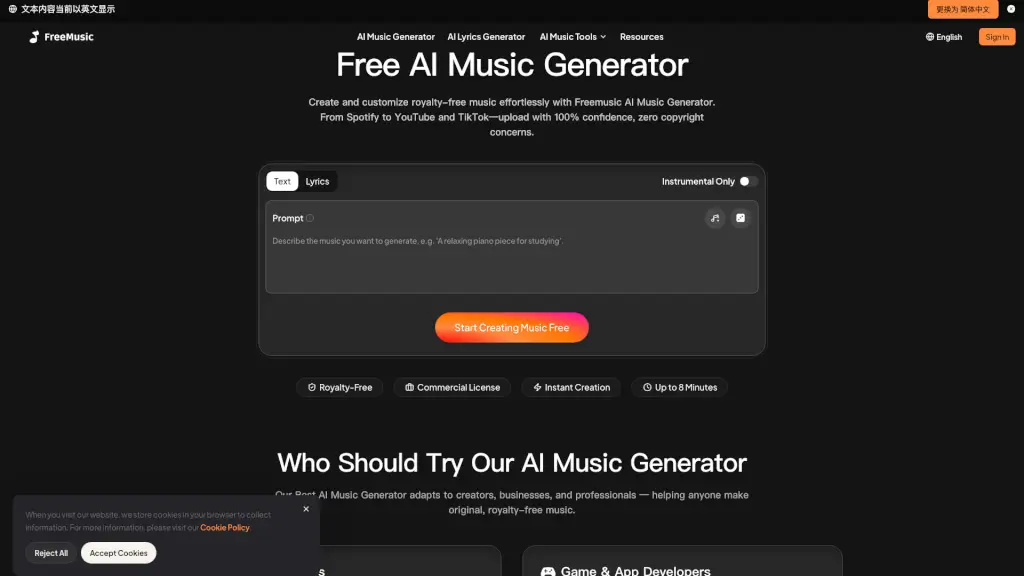
- Text zu Musik: Beschreibe Genre, Stimmung, Tempo und Instrumente in einfacher Sprache – die KI komponiert und arrangiert einen fertigen Track.
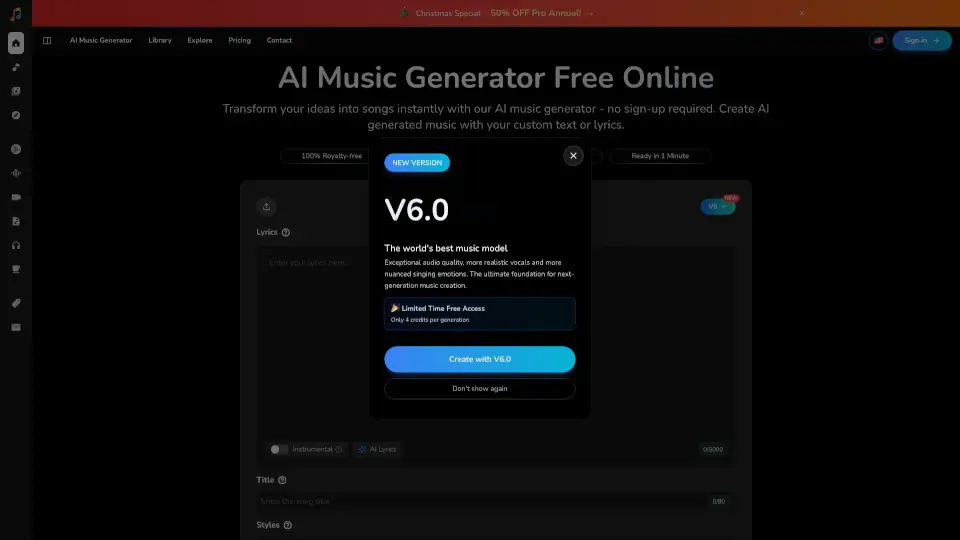
- Gesang & Lyrics: Erstelle komplette Songs mit KI-Vocals und automatisch generierten Texten oder gib eigene Lyrics ein.
- Instrumentalmodus: Schalte den Gesang aus, um Hintergrundmusik für Videos, Podcasts oder Spiele zu erzeugen.
- Über 50 Musikstile: Wähle aus Pop, Hip-Hop, Lo-Fi, Filmmusik, Jazz, Metal und mehr – kombinierbar mit Stimmung und Energie.
- Kommerzielle Lizenz: Mit Pro oder Studio erhältst du eine unbefristete, lizenzfreie Nutzungserlaubnis für qualifizierte Tracks, auch für monetarisierte Projekte.
- KI-Musikvideo-Generator: Lade deinen Song hoch, wähle einen Stil und erhalte ein beat-synchronisiertes Video, das du Shot für Shot bearbeiten kannst.
Was sind die Anwendungsfälle von BeMusic AI?
- YouTuber erzeugen individuelle Hintergrundmusik für Videos ohne Urheberrechtsprobleme.
- Podcaster erstellen Intros und Outros, die zur Marke passen, statt lizenzpflichtige Musik zu kaufen.
- Indie-Spieleentwickler generieren Soundtracks für Level, Bosse und Menüs in Minuten.
- Marketingteams produzieren maßgeschneiderte Werbemusik für jede Kampagne ohne teure Komponisten.
- Musiker überwinden kreative Blockaden durch KI-generierte Melodien und Akkordvorschläge als Ausgangspunkt.
Wie benutzt man BeMusic AI?
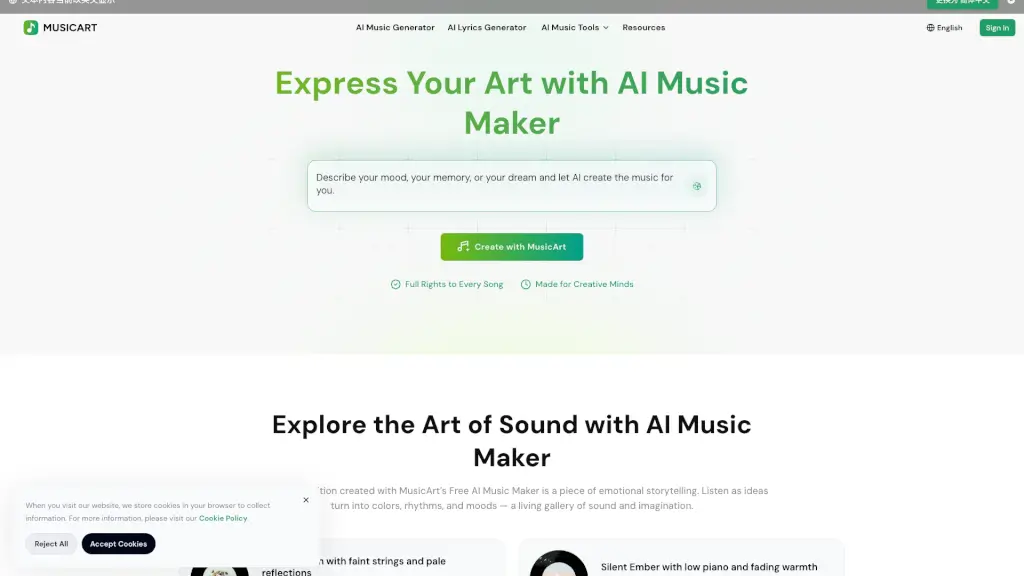
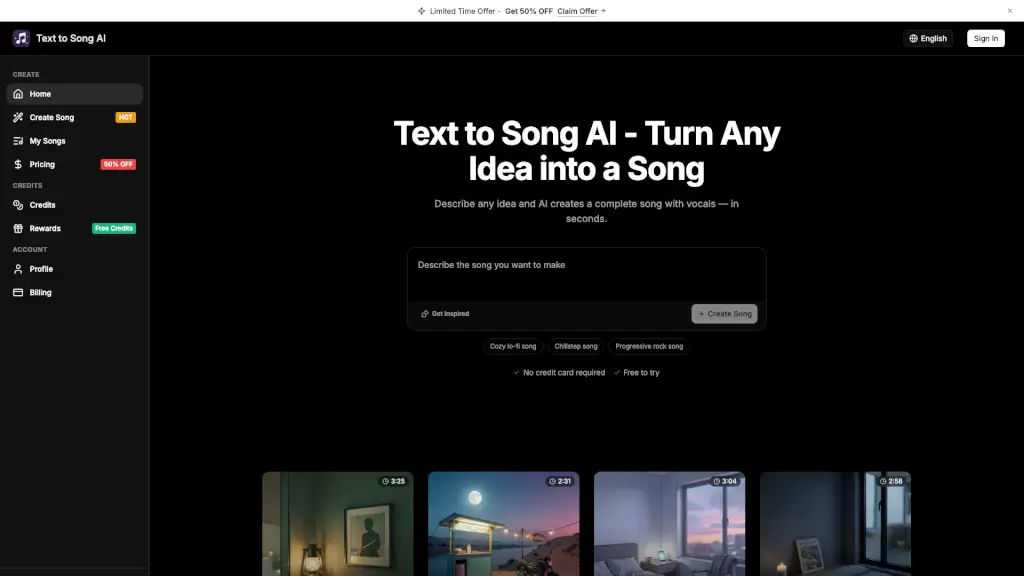
- Beschreibe deine gewünschte Musik in einem Textprompt, z. B. „melancholischer 90er-Song über große Träume“.
- Wähle zwischen Instrumental oder vollständigem Song mit Gesang und Lyrics – die KI schreibt Texte auf Wunsch selbst.
- Höre den generierten Track im Browser an und passe den Prompt an, bis er passt.
- Lade das Ergebnis als MP3 oder WAV herunter – je nach Plan auch mit kommerzieller Lizenz.